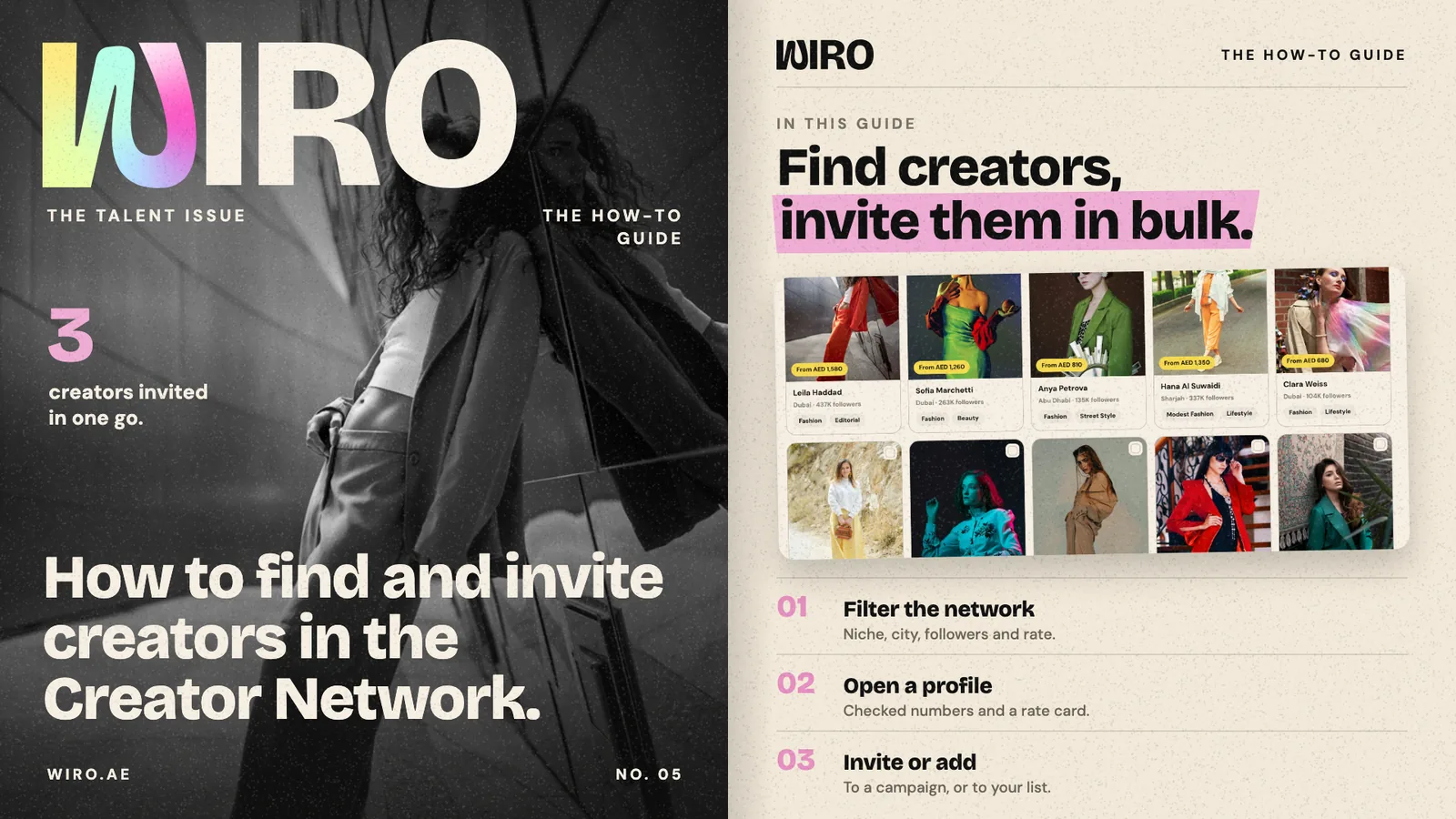
The Creator Network is the list of creators who built a page on Wiro Creators and chose to be found by agencies. Their follower numbers are read from the platforms where they connected an account, and their rates are theirs, not a guess. This guide follows Bloom Agency finding creators for an eyewear launch. The creators shown are sample profiles.
Step 1: Open Find creators
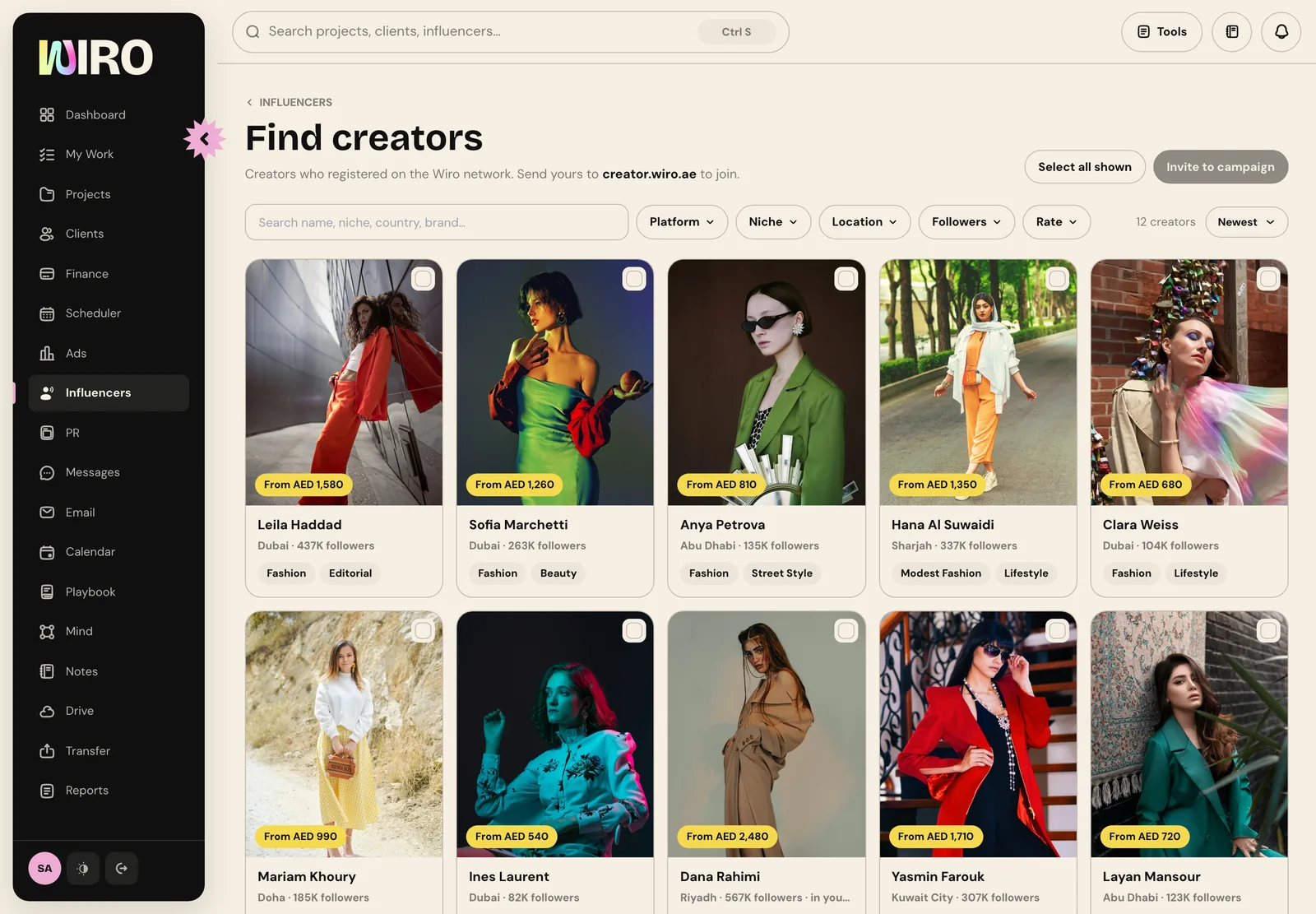
Open Influencers and choose Creator Network. Each creator shows as a card with their photo, their lowest rate, their city, total followers and niches. Creators already on your own influencer list are marked, so you never book the same person twice by accident.
Step 2: Filter to the brief
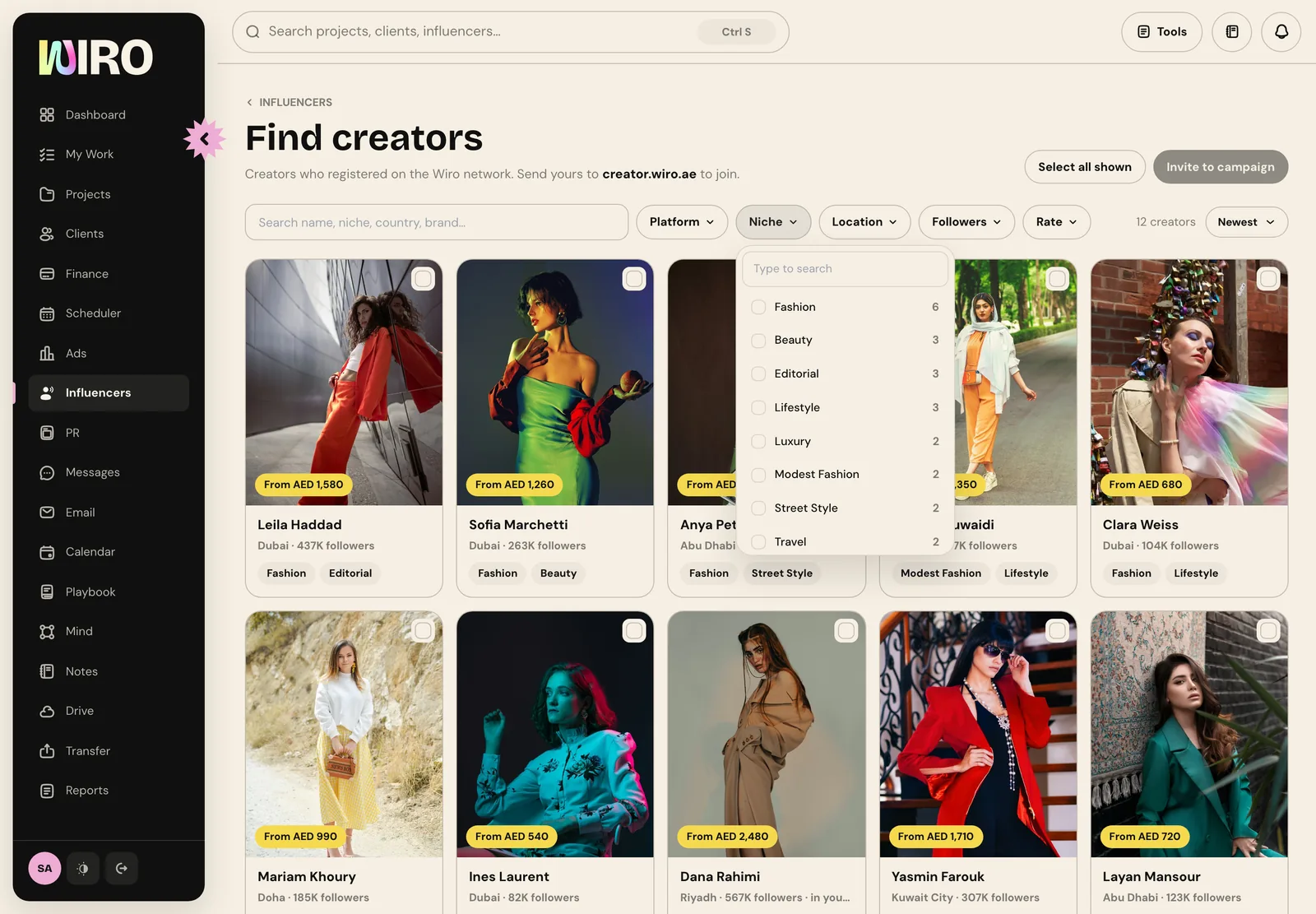
Use the filters above the grid: platform, niche, location, followers and rate. Each filter shows how many creators match each option before you pick it, so you can see where the network is deep and where it is thin. Search finds a name, niche, country or a brand a creator has worked with, and you can change the sort.
Step 3: Open a profile
Click a creator to open their profile beside the list. You see their cover, their line, total reach, and each platform's followers and engagement. Numbers from a connected account are read by Wiro; numbers a creator typed in are marked as shared by the creator. That difference is the first thing to check.
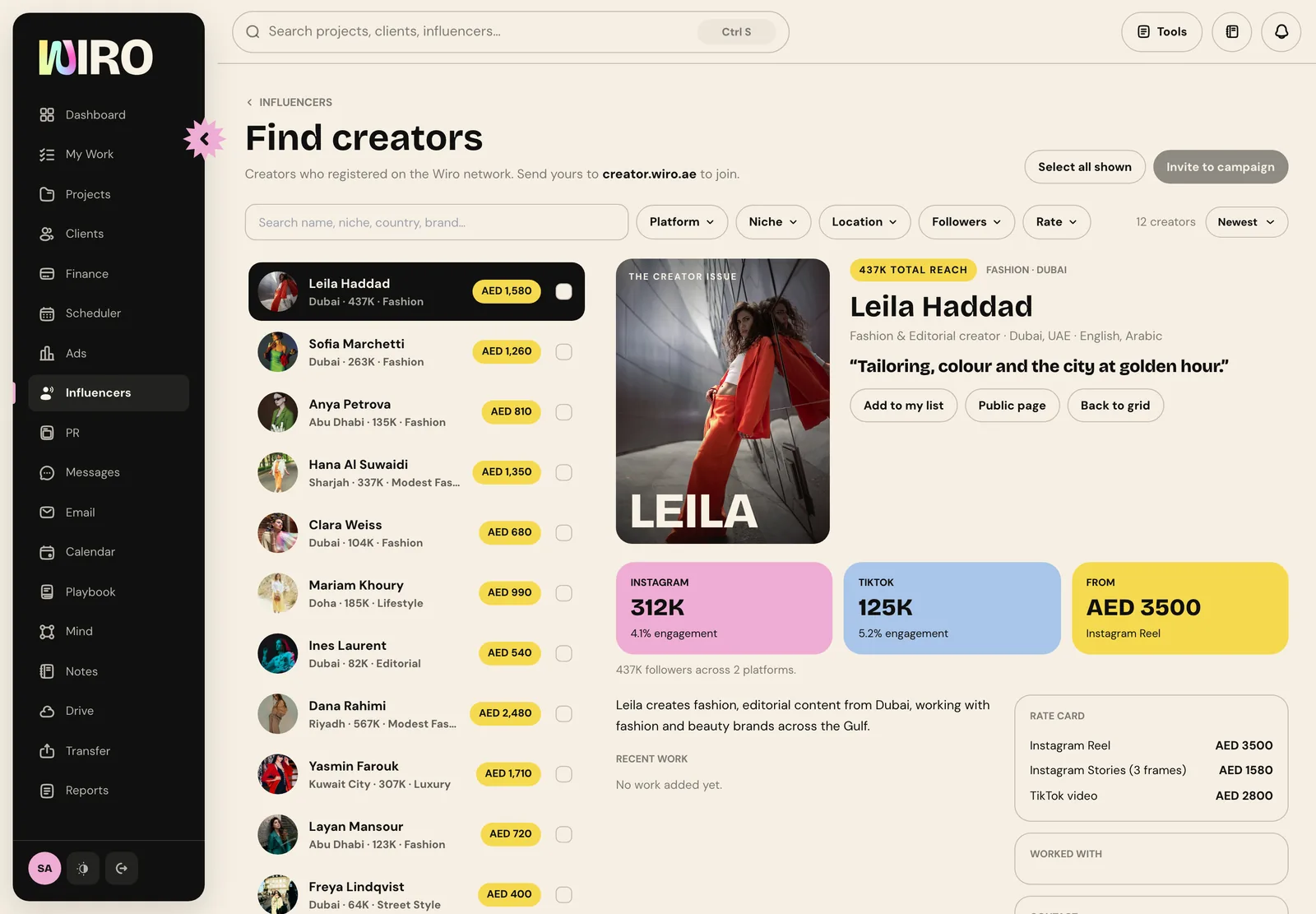
Further down are their rate card, line by line, the brands they have worked with, their work, and how to reach them. Add to my list puts them on your agency's private influencer list; Public page opens what they show the world.
Step 4: Pick several creators
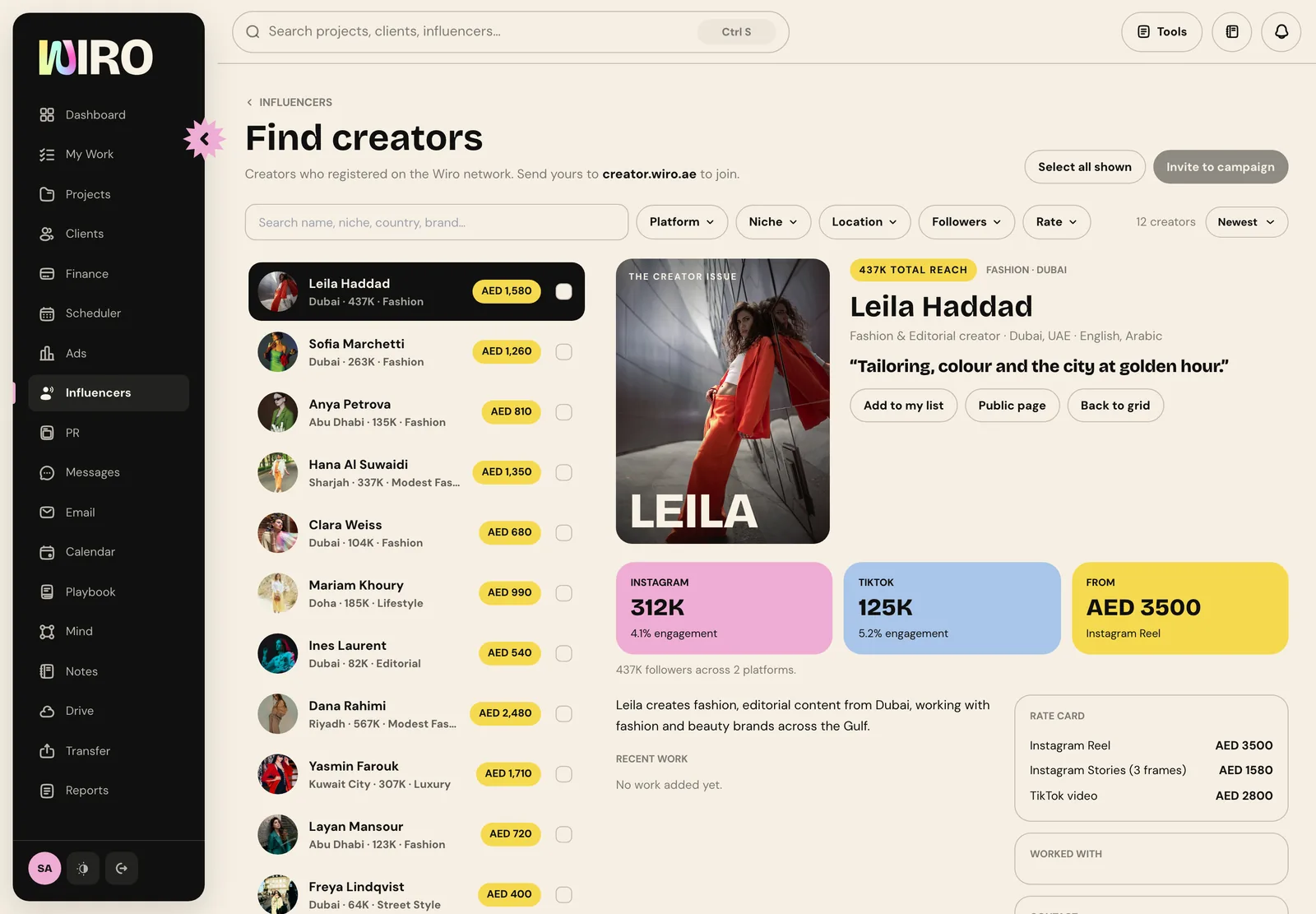
Back on the grid, tick the box on each creator you want. Two buttons appear at the top: Add to my list, and Invite to campaign, each with the number you picked. Select all shown picks every creator your filters left.
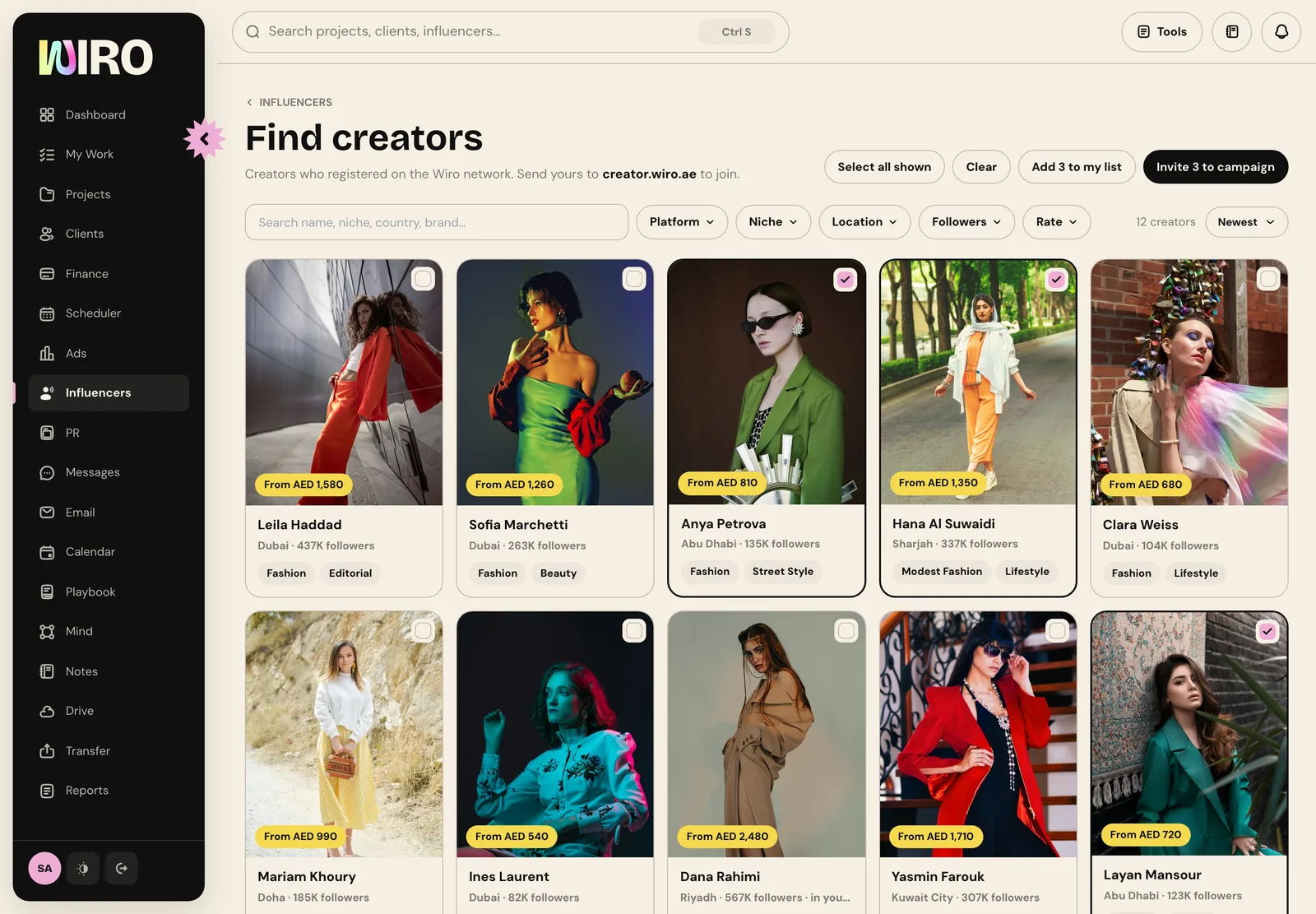
Step 5: Invite them to the campaign
Choose Invite to campaign. Name the campaign, write the brief, list the deliverables, say whether the creators are paid, gifted or both, and add the fee per creator and the dates. You can invite up to 50 creators at once, and remove anyone from the list before you send.
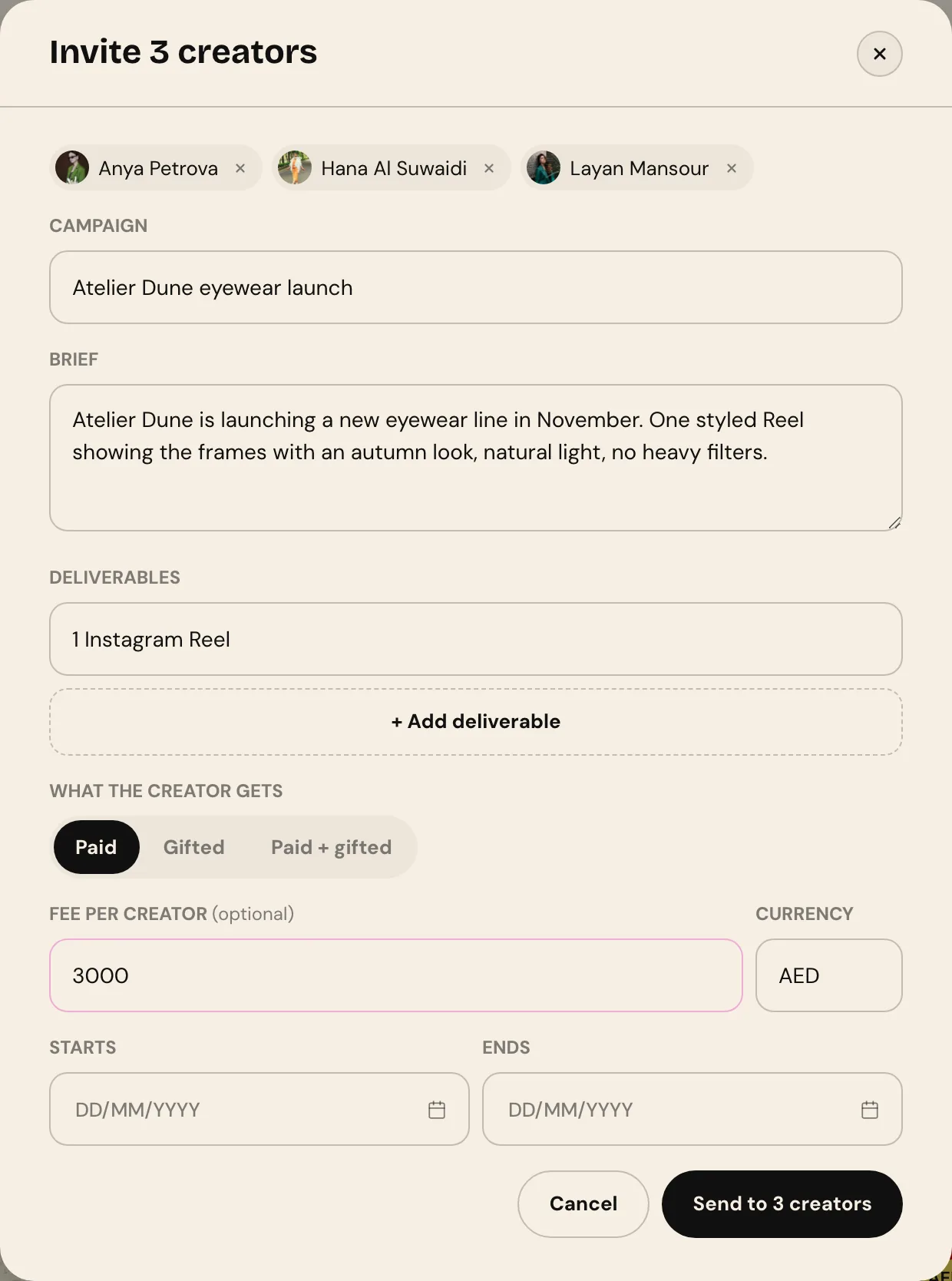
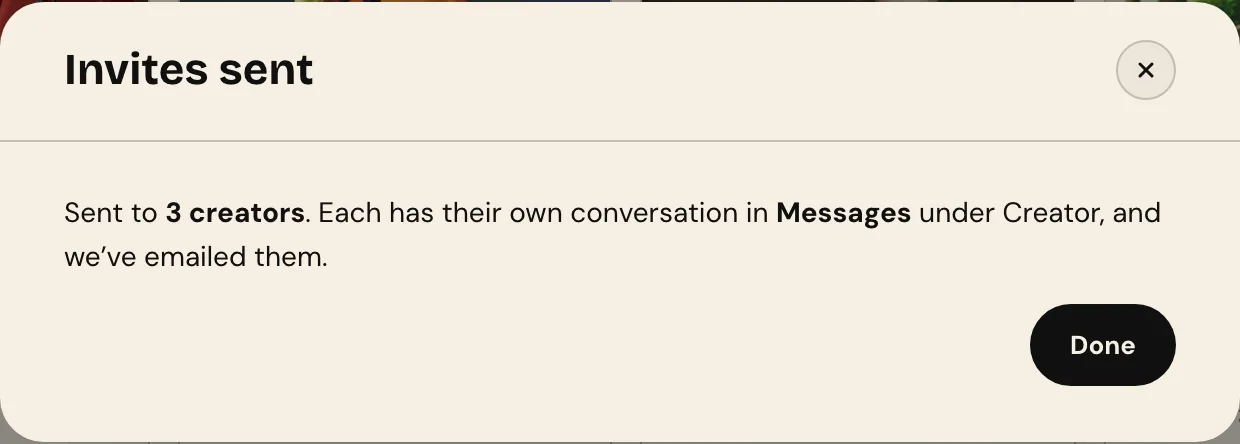
Each creator gets their own invite by email and their own conversation in Messages, under Creator, so the replies come back to you one by one rather than in a group. Anyone already invited to the same campaign is skipped and the result says why.
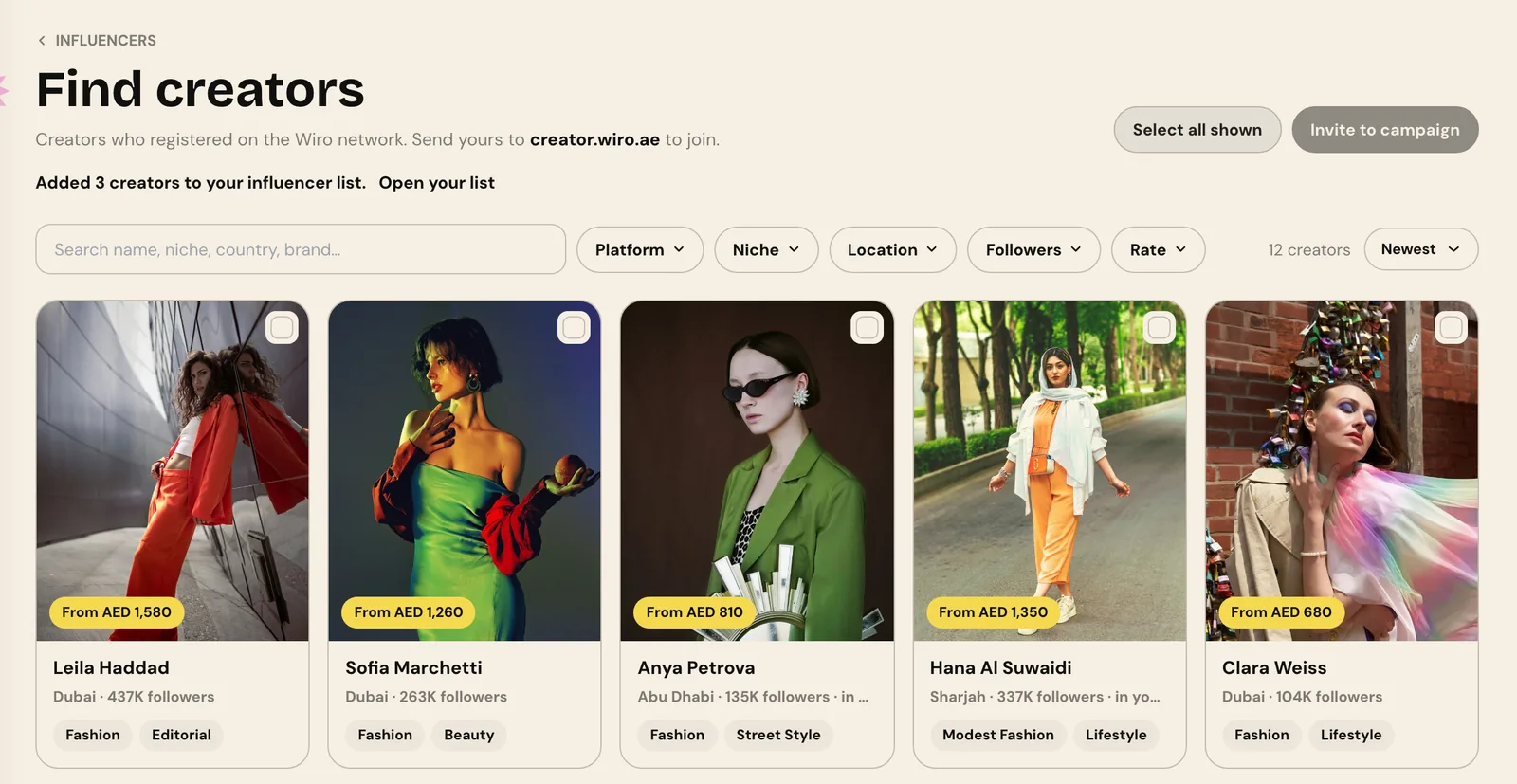
If you would rather keep them for later, Add to my list adds every creator you picked to your influencer list in one go, up to 100 at a time, each linked to their network profile.
- Check engagement next to followers. A smaller creator whose audience answers is often the better booking.
- Write the brief for the creator, not for the client: what you need, by when, and what they get.
- Put the fee in the invite. Creators answer a clear offer faster than a request to quote.
From here the campaign runs in Influencers, Campaigns: our guide to running an influencer campaign from brief to report picks up where this one stops.