A TikTok ad lives in the same feed as everything else on the For You page, and the platform goes out of its way to make it look that way. The ad gets the same right-hand rail of likes and shares, the same white caption, the same sound line. That is the point: an ad that looks like an ad is swiped past in a second. It also means the technical specs matter less than on other platforms, and the details around the video matter more.
The figures below come from TikTok's Ads Manager help pages, checked in September 2026.
Video: vertical, with sound
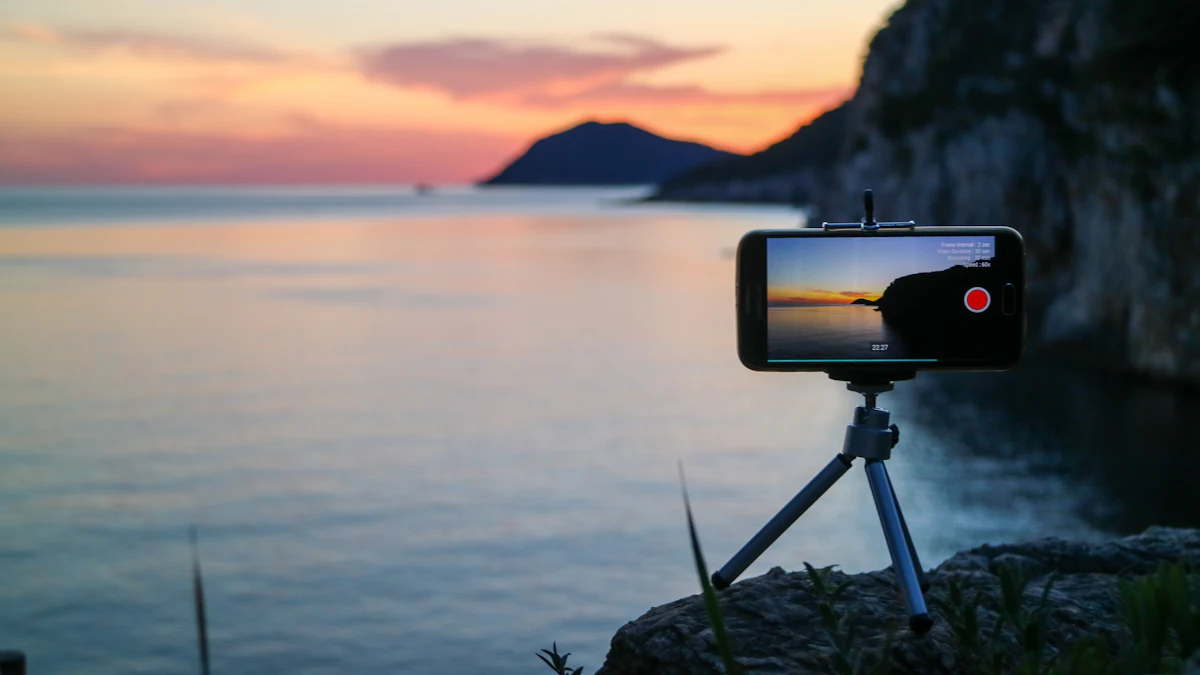
For auction in-feed ads, TikTok recommends 9:16 video at 540 by 960 pixels or more. It also accepts 16:9 at 960 by 540 or more and square at 640 by 640 or more, but anything that is not vertical plays in the middle of the screen with black space around it, which looks out of place on the For You page.
- Files: MP4, MOV, MPEG, 3GP or AVI, up to 500 MB, with a bitrate of at least 516 kbps.
- Length: up to 10 minutes for auction ads. For Spark Ads, which run an existing post, TikTok's pages disagree: the in-feed specs list no limit, while the Spark Ads overview gives 10 minutes.
- Reservation in-feed ads, bought in advance at a fixed price, are stricter: 5 to 60 seconds, with 9 to 15 recommended, a bitrate of at least 2,500 kbps, sound required and no watermarks.
- Avoid white or transparent backgrounds. TikTok's own caption and buttons are white, and disappear against them.
Pictures run as a carousel rather than a single image: 2 to 35 images, of which up to 20 are shown, at 1200 by 628, 640 by 640 or 720 by 1280. Music is required and loops, and one caption and one button cover every image.
The words: short, and no links
The caption is shown in white in a fixed font, over the bottom of the video. On ads that are not Spark Ads it cannot contain clickable links, @ mentions or hashtags, so the call to action has to live in the button.
- Caption: TikTok recommends 100 characters or fewer, and 50 for Chinese, Japanese or Korean. Longer captions fold behind more.
- Spark Ads use the post's own caption, which TikTok pulls up to 150 characters.
- Account name: one line of up to 20 characters, or 10 in Chinese, Japanese or Korean.
- Profile picture: 98 by 98 pixels, under 50 KB, with the important part inside the middle 66 by 66, since it is shown as a circle.
- Sound: on ads that are not Spark Ads, the sound line reads Promoted Music, and it cannot be changed.
The button changes as the ad plays
TikTok shows the call to action in three places: across the bottom of the ad while it plays, in the comments panel, and at the end of the video. The one people notice is the first, and it behaves differently from the buttons on other platforms. Its words appear first; the button then fills with a colour that TikTok picks from the video, and that colour cannot be set by the advertiser.
- Reservation in-feed: the words are shown from the start, and the colour fills at 2 seconds.
- Auction ads bought on CPM or CPC: words from the start, colour at 5 seconds.
- Auction ads optimised for conversions (oCPM): the words appear at 3, 4 or 5 seconds and the colour at 4 to 7 seconds, varied by viewer.
- Auction ads bought on views (CPV): words at 5 or 6 seconds, colour at 4 to 8.
The practical consequence is that the first two seconds of the video have to work without a button at all. If the offer only makes sense next to the call to action, most viewers will have swiped before they see the two together.
Twenty five labels to choose from
TikTok supports 25 call to action labels, written in sentence case and translated automatically into the viewer's language. For landing pages they include Learn more, which is the default, Shop now, Sign up, Book now, Order now, Contact us, Apply now, Get quote, Download, Subscribe, Watch now, Listen now, Read more, Visit store and Get ticket now. App campaigns use a shorter list. Dynamic CTA lets TikTok choose the words, the timing and the colour for each viewer instead.
Safe zones: use TikTok's template
TikTok does not publish its safe zone as a set of numbers. The size of the area covered by the caption and buttons depends on the length of the caption and on add-ons, and TikTok provides it as a downloadable template in its Ads Manager help pages, including Arabic right to left versions. That template is the reference.
For planning purposes, published estimates for a 1080 by 1920 video put the covered area at roughly the top 120 to 130 pixels, the bottom 380 to 500 pixels and the right 110 to 140 pixels, where the rail of buttons sits. The estimates disagree with each other, which is exactly why the template is worth downloading.
What the ad says about itself
TikTok marks paid content with a Sponsored label. Ads that are not Spark Ads show the account name set in Ads Manager, the Promoted Music line and the button, and none of it can be styled. That is one more reason to make the video itself do the work.
A short checklist for the brief
- Shoot vertical, with sound, and assume the first two seconds play without a button.
- Keep text away from the bottom quarter and the right-hand rail.
- Write a caption of under 100 characters with no links, and let the button carry the action.
- Pick the call to action label from TikTok's list rather than inventing one.
- If the ad is a creator's post, run it as a Spark Ad so the caption, handle and engagement come with it.
The ad mockup generator on this site draws a TikTok ad in the For You feed, with the rail, the Promoted Music line and the button in its first-second and filled states, and an approximate safe zone. It is a quick way to check a cut before it goes into Ads Manager.