Instagram has added a Boost option inside the live composer. Social Media Today reported it on 30 September 2026 and MediaPost covered it on 2 October. Until now, promoting a live broadcast meant building a full campaign in Ads Manager. Now the person going live can promote the stream from the same screen they start it on.
How the live boost works
- The boost is set up just before going live, or scheduled in advance. Instagram recommends scheduling at least two hours ahead to avoid delays in delivery.
- The live video itself is the ad. There is no separate creative to upload.
- The ad can appear in Feed, Stories and Reels.
- It only runs while the account is broadcasting. When the live ends, so does the ad.
- You choose an audience yourself or use the audience Instagram suggests.
The point is reach at the moment it matters. A live is only valuable while people are watching, and organic notifications reach a fraction of followers. A boost puts the broadcast in front of people who would never have seen the notification, at the time they can still join.
What is not clear yet
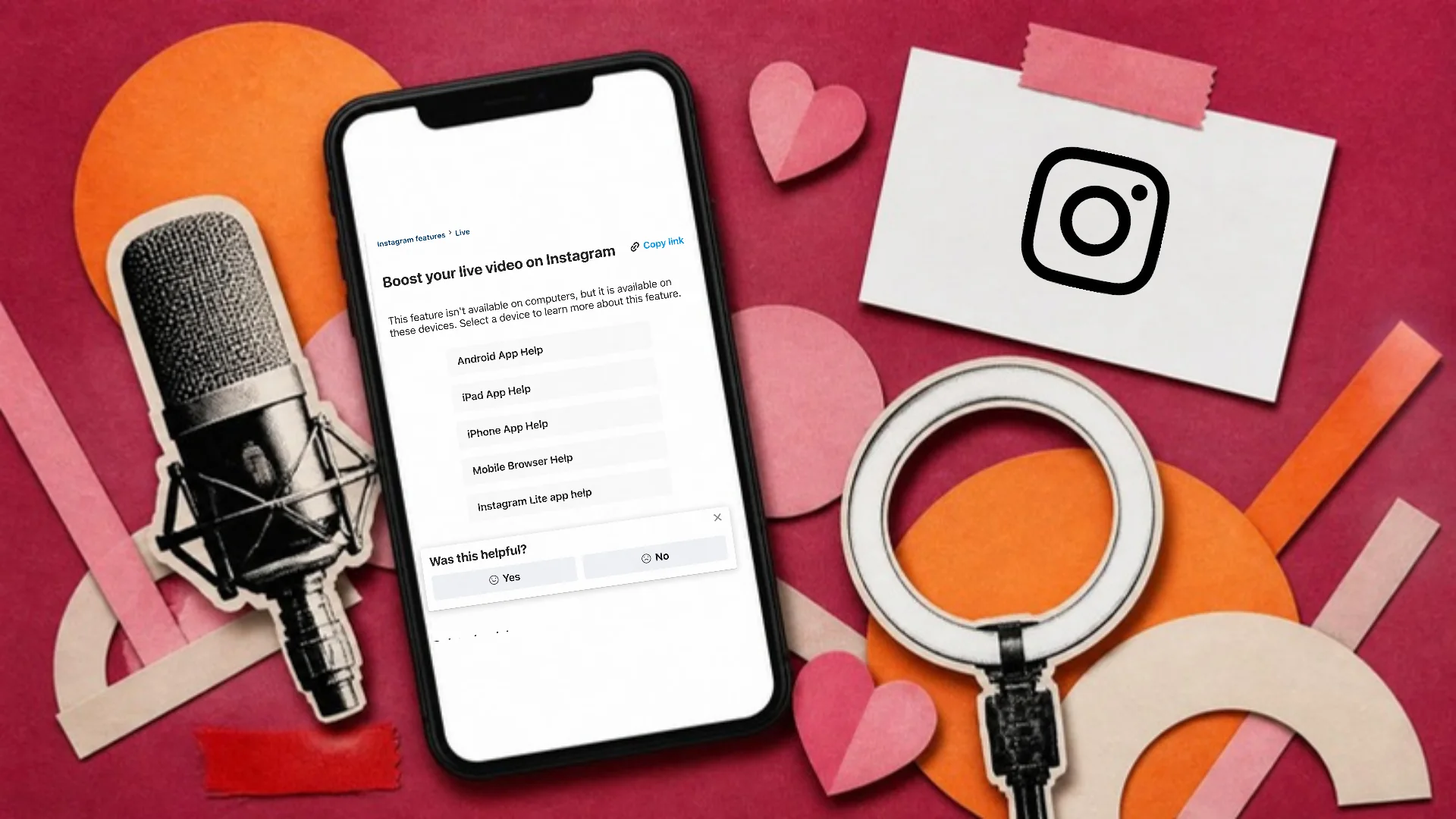
Instagram's Help Centre now has a page called Boost your live video on Instagram, which says the feature works in the mobile apps, not on computers. Neither the help page nor the reports say which accounts are eligible, whether there is a follower minimum, which countries have it or what budgets look like, and we could not confirm it is available in the UAE or Saudi Arabia. Open the live composer on a client's professional account and look for the Boost option before promising it in a plan.
Where it fits with creator partnerships
Meta has been moving live video into its creator advertising. When it rolled out its Creator Marketing Hub on 15 September 2026, Meta said partnership ads from Instagram Live would become generally available on 29 September. Partnership ads run through a creator's account with a Paid partnership label. Together, the two features mean a brand can promote its own lives and a creator's lives for the brand, both inside Meta's tools.
How to use it on a client launch
- Schedule the live, then schedule the boost at least two hours before it, as Instagram advises. A boost set up at the last minute risks missing the first minutes, which is when most people join.
- Write the first minute for strangers. Boosted viewers arrive with no context, so say who you are and why they should stay before anything else.
- Keep the live long enough to be worth paying for. A ten-minute broadcast gives the ad very little time to deliver.
- Set a small test budget on the first live and compare cost per viewer with a normal Reels boost before scaling.
- Record the live and plan to cut it into Reels afterwards, so the content keeps working once the ad stops.
- If a creator is hosting, agree in the contract who boosts, from which account and with whose budget.
How to report on it
Treat a boosted live as a campaign with its own line in the report: spend, the peak and average number of viewers, comments, and anything the live was meant to drive, such as sign-ups or code redemptions. Keep it separate from organic lives so the client can see what the money added.
The best time to post tool on this site shows when an audience is most likely to be online, which is the first thing to settle before choosing a time for a paid live.