Most agency content calendars are built the same way. Somebody opens last month's sheet, copies the structure, fills the empty days with ideas that came up in a brainstorm, and sends it to the client late in the month with a note asking for approval by Friday. Then the month starts, half the plan changes, and the calendar becomes a record of what was hoped for rather than what went out.
The fix is not a better spreadsheet. It is building the month in a particular order, so that the things that cannot move are placed first and the things that can move are placed last.
Start with the dates that cannot move
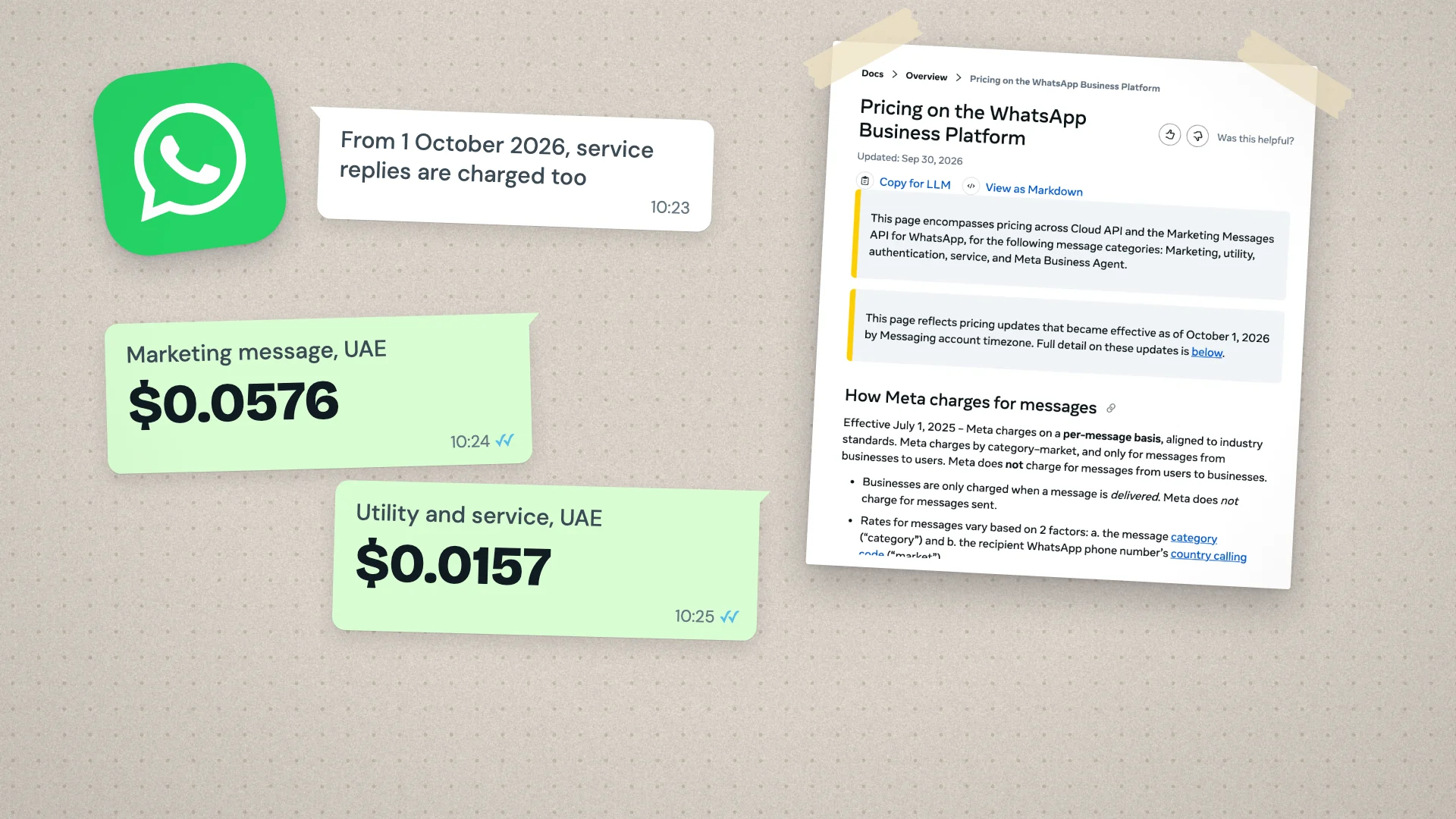
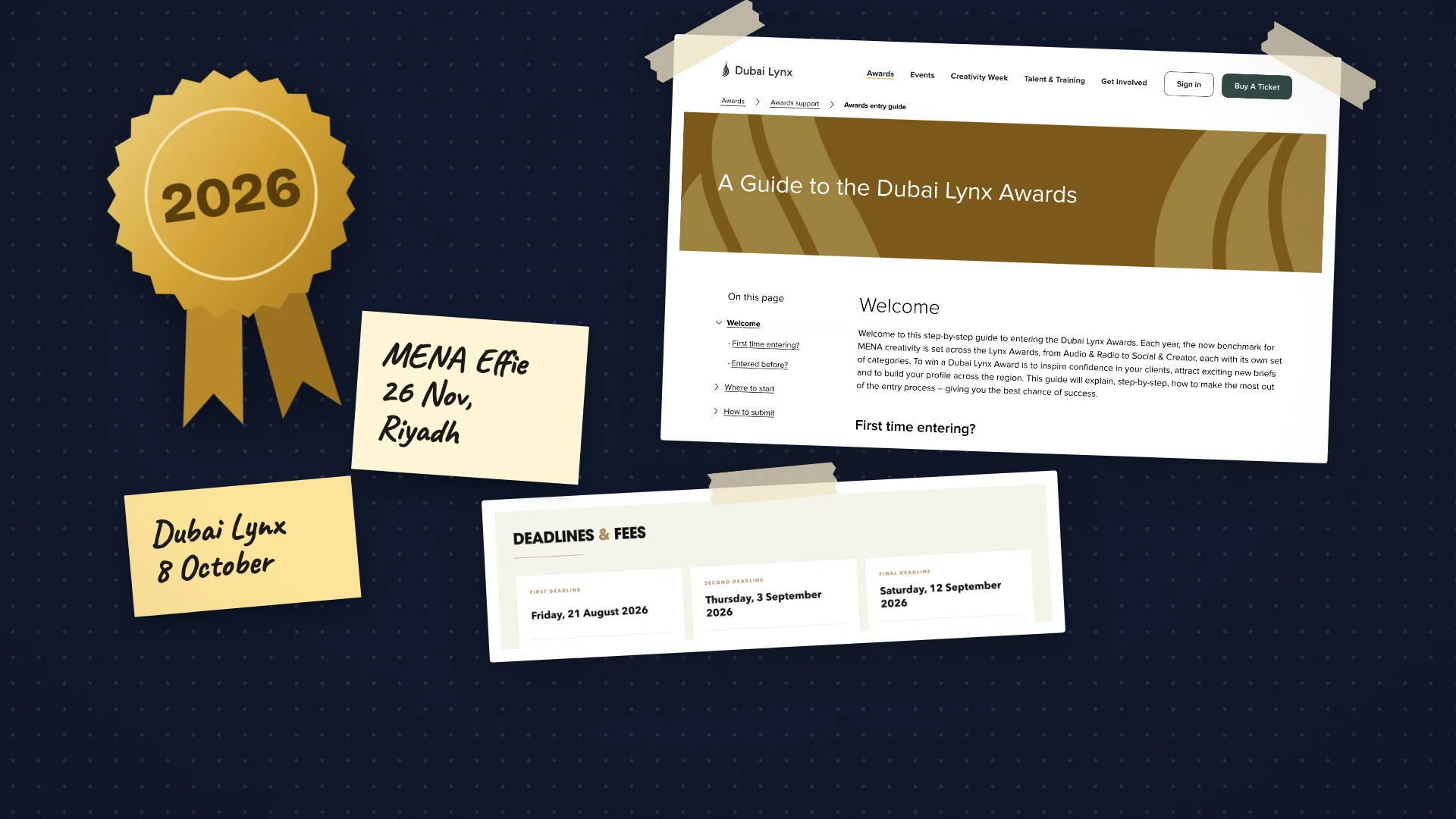
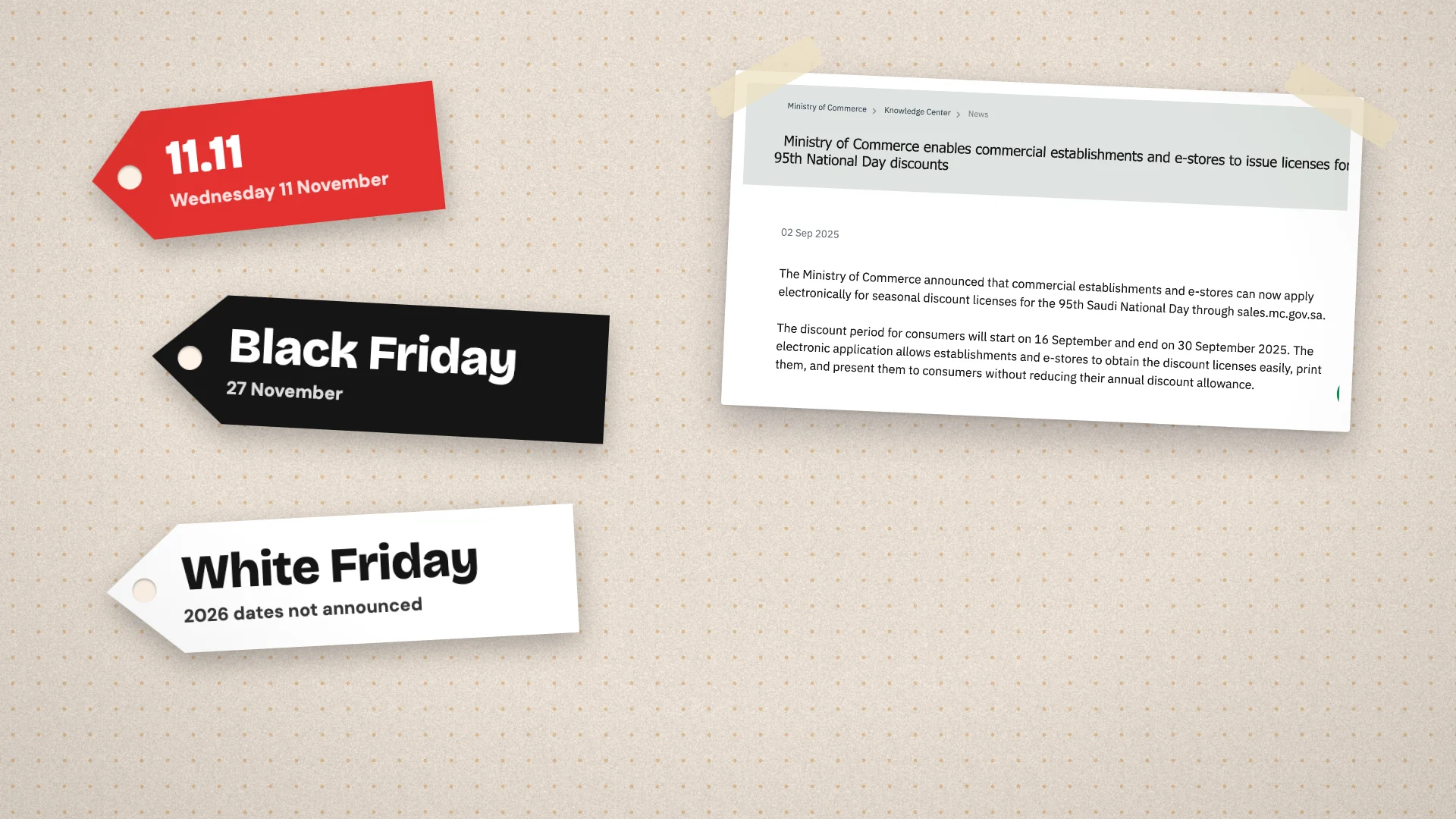
Before a single idea goes in, put down everything fixed: public holidays, religious occasions, national days, the client's own launches, sale periods, events they are sponsoring, and anything their head office has already announced. In the Gulf this matters more than most places. Ramadan and the two Eids move each year, and the national days carry more weight than almost any product moment.
Then add the dates that are fixed on your side: the day the client reviews content, the days your designer or videographer is booked, and any shoot. A calendar that ignores production capacity will look complete and be undeliverable.
Work out how many posts the retainer actually buys
The number of posts in the month should come from the scope, not from how many empty squares the calendar has. If the retainer covers twelve feed posts, eight stories a week and two reels, that is the plan. Adding a thirteenth post because a Tuesday looked bare is how scope creep starts, one generous gesture at a time.
Write the count at the top of the sheet, by platform and format, and check the finished plan against it before it goes to the client. It is a thirty second check that prevents a long conversation at renewal about why the agency always seems stretched.
Use pillars to decide what, not just when
Content pillars are the three to five themes a brand keeps returning to: product, expertise, community, behind the scenes, customer stories. They are most useful as a balance check. Tag every post with one, then look at the month as a whole. If eleven of twelve posts are product, the plan is an advertising schedule, and the audience will treat it like one.
Pillars also make briefing faster. A designer who knows a post is a customer story, for the community pillar, needs far less explanation than one handed a topic and a date.
Mix formats deliberately
Each platform rewards different things, and a calendar that uses the same format everywhere is usually a calendar built for the agency's convenience. Decide the format for every slot at planning stage: a reel, a carousel, a single image, a story set, a short video for TikTok, a document post for LinkedIn.
- Put the heaviest production, usually video, early in the month, so a delay does not push it into the next one.
- Pair each reel or video with the stories that support it, so the effort of one shoot covers several slots.
- Leave at least one slot a week open for reactive content, and label it as such. An empty square with a reason is part of the plan; one without is a gap.
- Schedule for the audience's country and routine, not the office's. A Saudi audience and a UAE audience do not share a weekend.
Put the captions in the plan
The single most useful change most agencies can make is to stop sending a calendar with topics and a separate document with captions. When captions live elsewhere, the client approves a visual and a headline, and the words are either approved by implication or not at all. The disputes arrive later, usually about a line nobody remembers agreeing.
Each row should carry everything the post needs to go out: the date and time, the platform, the format, the pillar, the caption in each language it will run in, a link to the asset, the owner on your side, and a status. The free content calendar template on this site is laid out along these lines, with a column for the client's approval and statuses that run from idea through to published.
A calendar is approved when the words are approved. Until then the client has agreed to a set of intentions, and intentions are easy to change their mind about.
Build it on a timetable
A month's calendar needs its own schedule, working back from the first day it covers. As a working example, for a client whose review day is fixed:
- Three weeks before: fixed dates, post count and pillars agreed internally.
- Two and a half weeks before: topics and formats drafted, with production booked.
- Two weeks before: captions and first visuals in the sheet, reviewed by someone who did not write them.
- Ten days before: the full month sent to the client, with a date for feedback.
- One week before: changes made, final approval recorded, and the first week scheduled.
The review by somebody who did not write it is the step that most often gets skipped and most often matters. Typos, wrong prices, a post that repeats last month's idea and a caption that truncates badly are all easy to see with fresh eyes and invisible to the person who drafted them.
Present the month, not the posts
Send the whole month in one go and walk the client through it in one meeting. Clients who see individual posts judge each on its own; clients who see the month understand why a quiet post sits between two loud ones. Show the posts as they will appear on each platform wherever you can, because a caption that reads well in a spreadsheet can cut off in a feed.
Record the approval against the plan itself, with the date and the name of the person who gave it. When something changes mid-month, change the row and note why, so the calendar stays the record of what actually went out.
Close the month properly
At the end of the month, mark what was published, what moved and what was dropped, and write two lines on what performed. Those notes are what next month's plan should start from, and they are what the monthly report will need anyway.
In Wiro, the Scheduler holds every client's posts on one month view, coloured by status from draft to published, and a review link lets the client approve or comment on the posts waiting for them. Whatever tool you use, the order is the same: fixed dates first, scope second, ideas last.