Launch day at an agency tends to go one of two ways. Either it is quiet, because the work was finished properly the week before, or it is a day of small emergencies: a link that goes to the old landing page, a creator who posted the draft caption, a discount code that the client's website does not recognise. None of these are hard problems. They are simply problems nobody checked for while there was still time to fix them calmly.
The list below is split into three parts: the days before, the day itself and the days after. It is written for a campaign with posts on the brand's own accounts and some creator content, but most of it applies to any launch.
Before: lock what has been approved
The first job is to make sure that what goes live is exactly what the client said yes to. That sounds obvious until a designer makes a small tweak after sign-off, or a creator is sent an earlier version of the brief, and the post that runs is not the post that was approved.
- Freeze the approved versions of every post, caption and video, and record who approved each one and when.
- Treat any change after approval as a new approval, however small. A corrected price or a new hashtag counts.
- Confirm creators have the final approved content and captions, not a draft from earlier in the thread.
- Agree in writing who on the client side can stop the launch, and how to reach them on the day.
Timing belongs here too. Check that every scheduled post is set in the right time zone. The UAE is one hour ahead of Saudi Arabia, so a campaign aimed at both needs a decision about whose morning it is launching into, and a scheduler set to the wrong zone will quietly publish an hour early or late.
Before: test every link and code
Links break more launches than creative does. Click every one of them yourself, on a phone, from outside the office network, the day before. That includes the link in bio, the swipe links in stories, the links in each creator's caption and any QR code on printed material.
- Each link goes to the live page, not a staging URL or last season's offer.
- Tracking parameters are on the links that need them, so the client's analytics can separate the campaign from everything else.
- Discount codes work at checkout, for the right products, in every country the campaign runs in.
- The landing page loads quickly on mobile, in Arabic and English if the campaign is in both.
If a creator is using a unique code, test each one individually. A code that silently fails is not just a lost sale. It is a gap in the report, because tracked sales are the only revenue figure the campaign can honestly claim.
Before: disclosure and permits
Every paid or gifted creator post needs to be clearly identifiable as advertising, using the platform's paid partnership tool where there is one and a clear label such as "Ad" at the start of the caption or on screen. Stories count, and so do posts in exchange for free product.
Check the permit position before anyone posts, not after. In the UAE, creators who advertise need an advertiser permit from the National Media Authority. For content aimed at Saudi Arabia, check the creator's Mawthooq licence. Confirm that each permit is valid through the whole posting window, and keep a note of the check on the creator's record.
During: publish, then check what actually went out
On the day, the job is to confirm, not to assume. Once each post goes live, open it on the platform and check it against the approved version: the caption, the tags, the disclosure label, the link and the first comment if there is one. A post that failed to publish, or went out without its tagged partner, is far easier to fix in the first ten minutes than the first afternoon.
Keep a simple running log for the day: what went live, when, and anything that was fixed. It takes very little time and it answers most of the questions the client will ask later.
During: watch the comments
Decide before launch who is watching the comments, on which accounts, and for how long. For most campaigns the first few hours matter most, because that is when a misunderstanding either gets answered or starts to spread.
- Name one person per platform, with cover for breaks and the evening.
- Prepare approved answers to the questions you can predict: price, availability, delivery, where to buy, how the offer works.
- Agree what gets escalated rather than answered, such as complaints about a product, anything touching religion or politics, or any mention of legal action.
- Ask creators to flag difficult comments on their own posts to you, rather than replying in a hurry.
Most comments on a launch are simple, and a quick, polite answer does more for the campaign than a clever one. The escalation list exists for the rare comment that should not be answered at all until the right person has seen it.
After: the first report
Send the client a short note at the end of the first day or the first 24 hours: what went live, what was fixed, the early numbers you can verify, and anything that needs a decision. This is not the campaign report. It is a sign that someone is paying attention, and it gives the client something to forward internally before they ask for it.
Then collect the numbers you will need later while they still exist. Stories drop out of creators' insights quickly, so ask for story figures within 24 hours, and feed post figures within the window your agreement sets. A screenshot with no date, gathered three weeks later, is not something to put in a report.
A good launch day looks boring from the outside. That is the sign the work was done the week before.
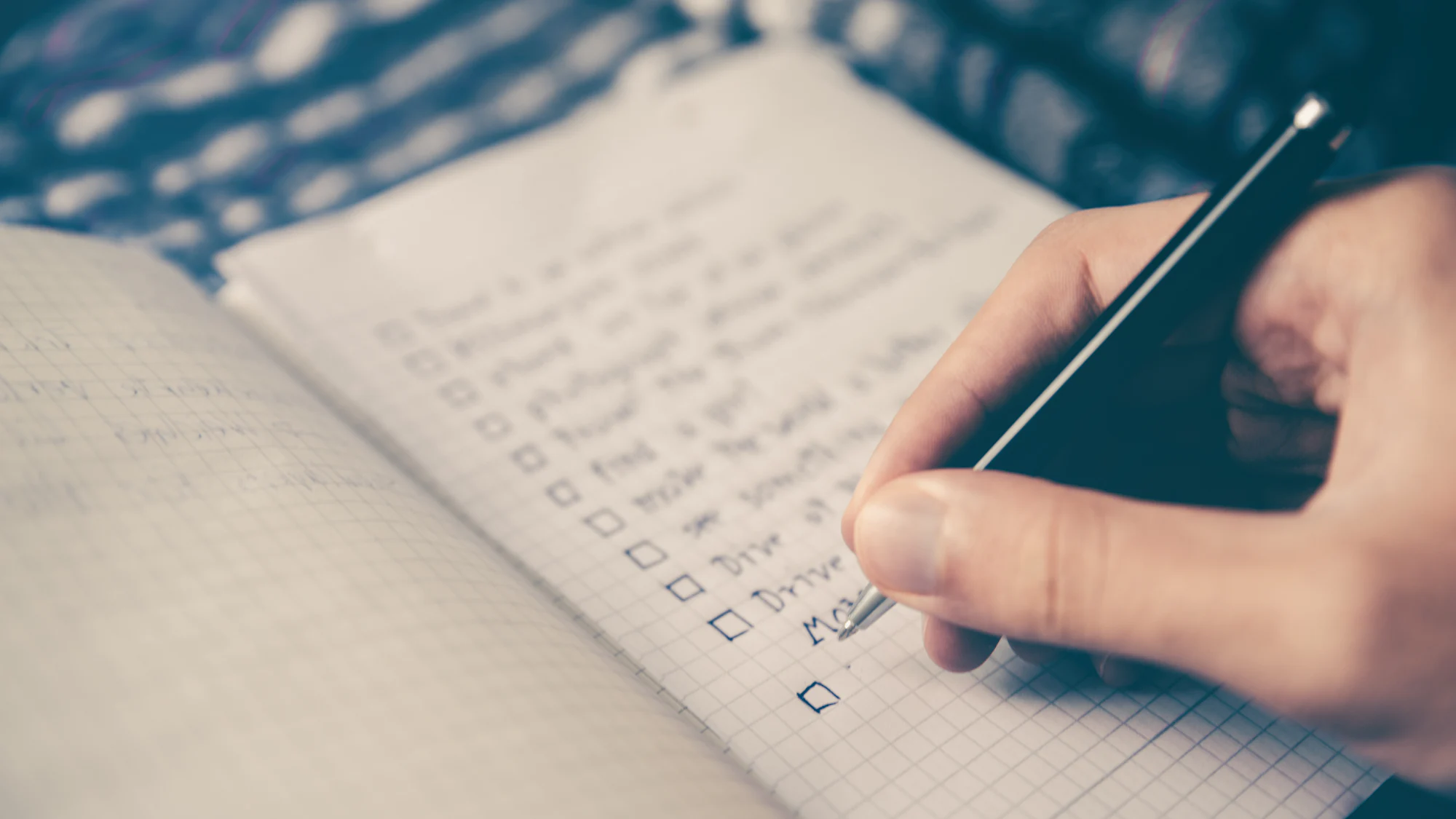
Keep the checklist where the work is
A checklist in someone's notebook helps that person. One attached to the campaign helps whoever is covering. In Wiro, posts carry their approval history on the Scheduler, and a bar above the calendar counts posts that failed, were missed or are still waiting for approval, which covers the part of launch day that is easiest to miss. The rest of the list is habit, and habits hold best when everyone can see them.